Scan, edit and sign PDFs without uploading them.
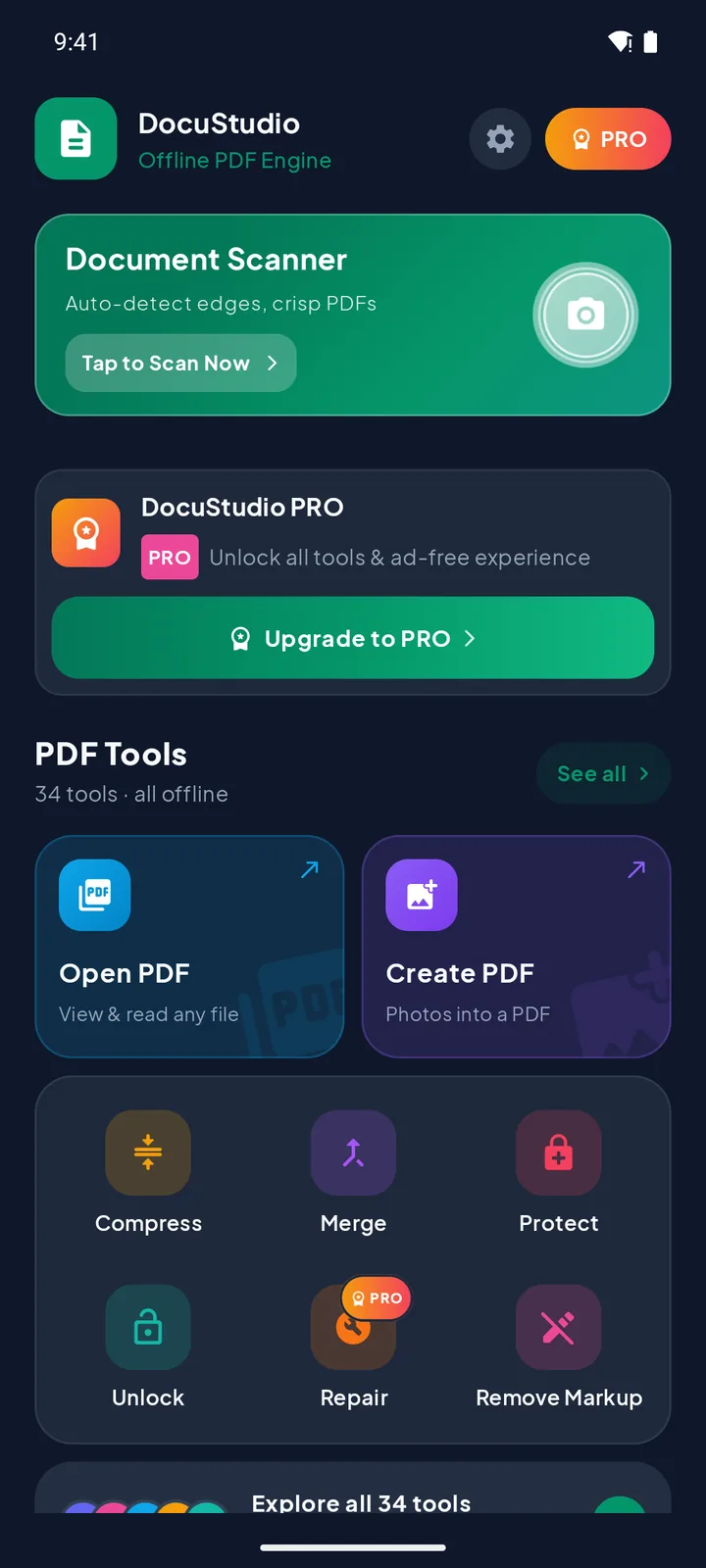
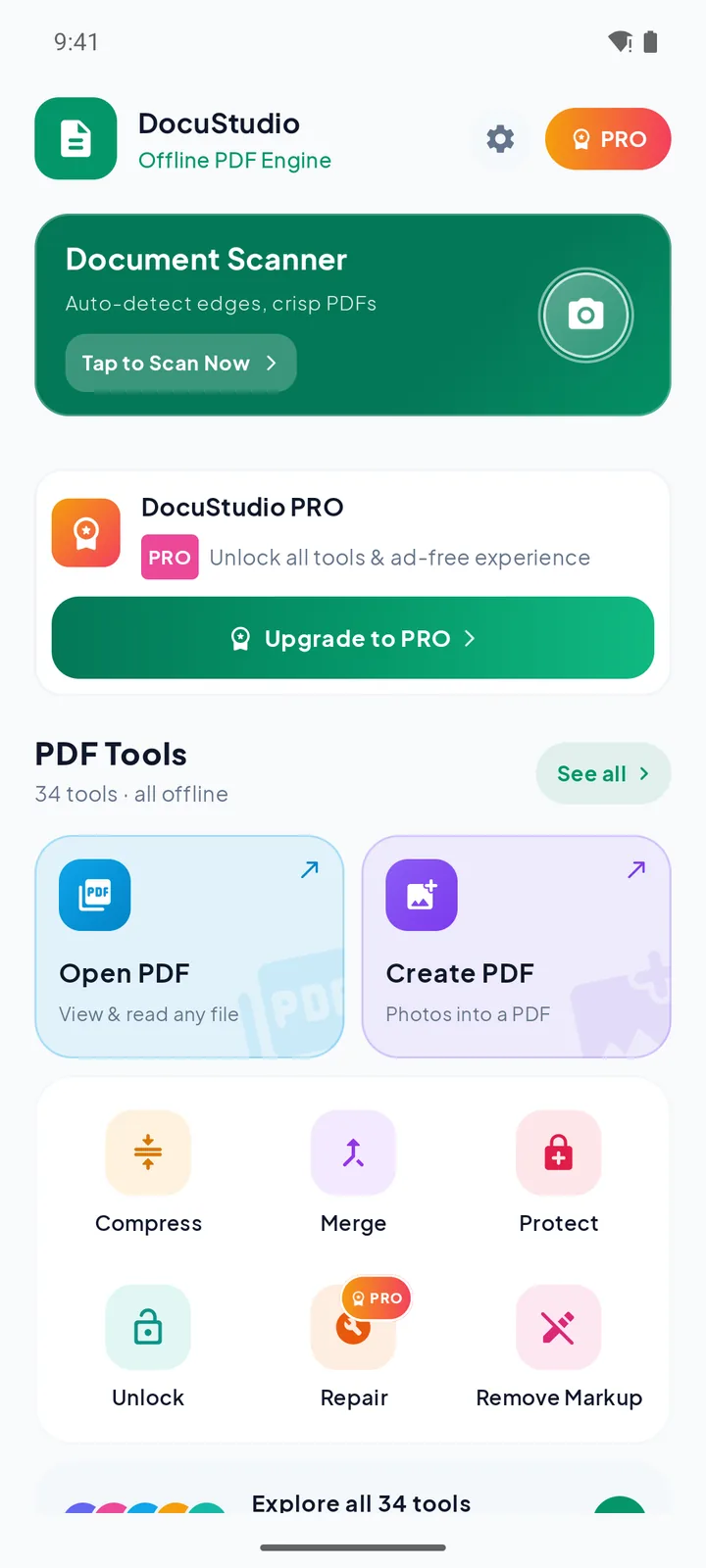
DocuStudio puts a document scanner and 34 PDF tools on your Android phone. Merge, compress, sign, lock and convert files in seconds. Every tool runs on your device, so your documents never leave it.
- Processed on your phone
- No sign-up
- Free to use
Your contracts, IDs and bank statements stay on your phone.
Many PDF apps upload your file to a server just to compress or merge it. DocuStudio does the work on your device, so it also works on a plane, in a basement or anywhere without signal.
Processed on your phone
Every tool, from merge to OCR, runs locally. No internet needed for your files.
Never uploaded
We run no servers that receive documents. Files leave only when you tap Share or Save.
No account
No sign-up, no email, no login. Open the app and start working.
You're in control
Auto-delete old history, remove saved signatures, and lock PDFs with AES-256.
Stays on your phone
- Your PDFs, scans, photos and every file you create
- File names, document text, signatures and passwords
- Your history and settings (excluded from cloud backup)
What uses the internet
- Ads in the free version (Google AdMob)
- Crash reports and feature-usage stats, never document content
- Buying or restoring Pro through Google Play
Every PDF job, in one app.
Plus a document scanner with automatic edge detection, a PDF reader with search, and a pen and highlighter for quick notes.
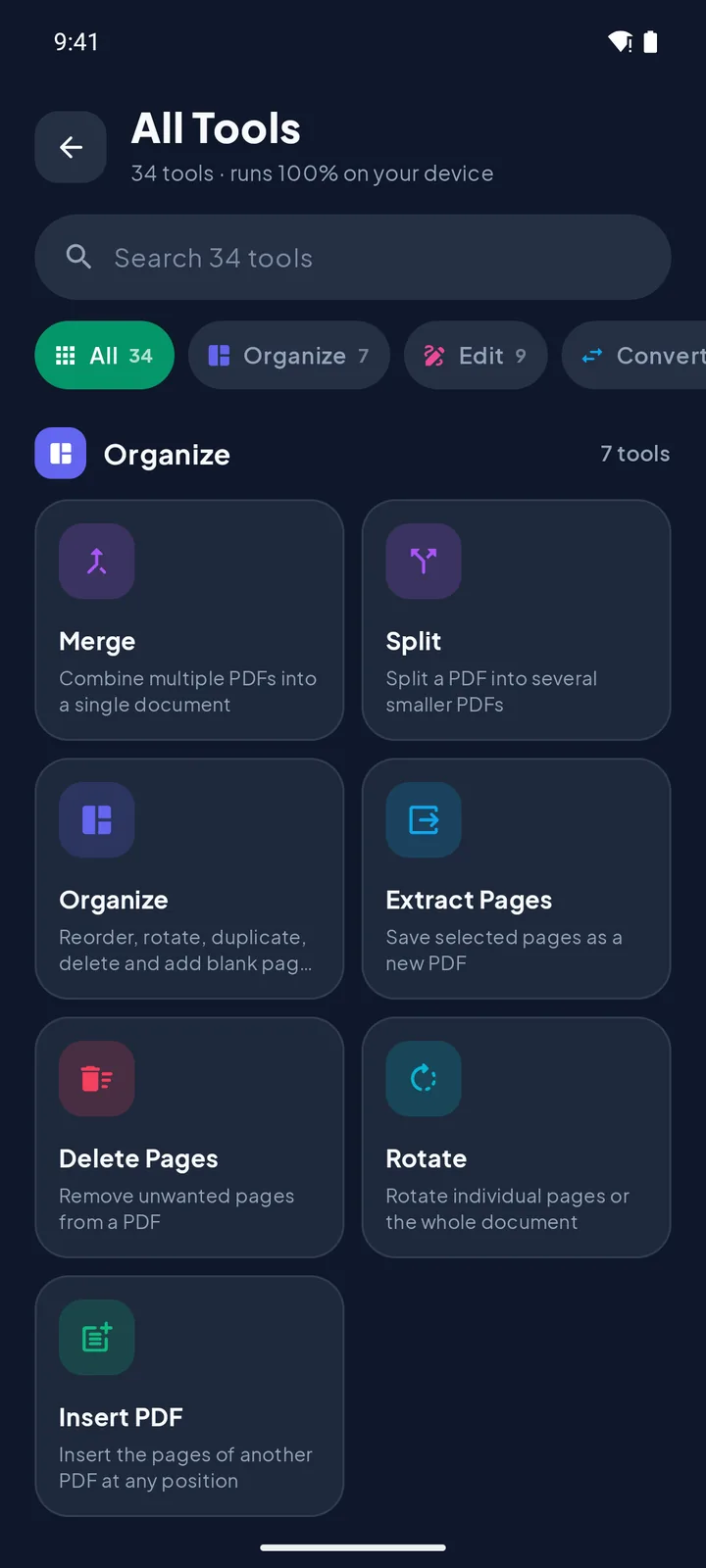
Organize 7 tools
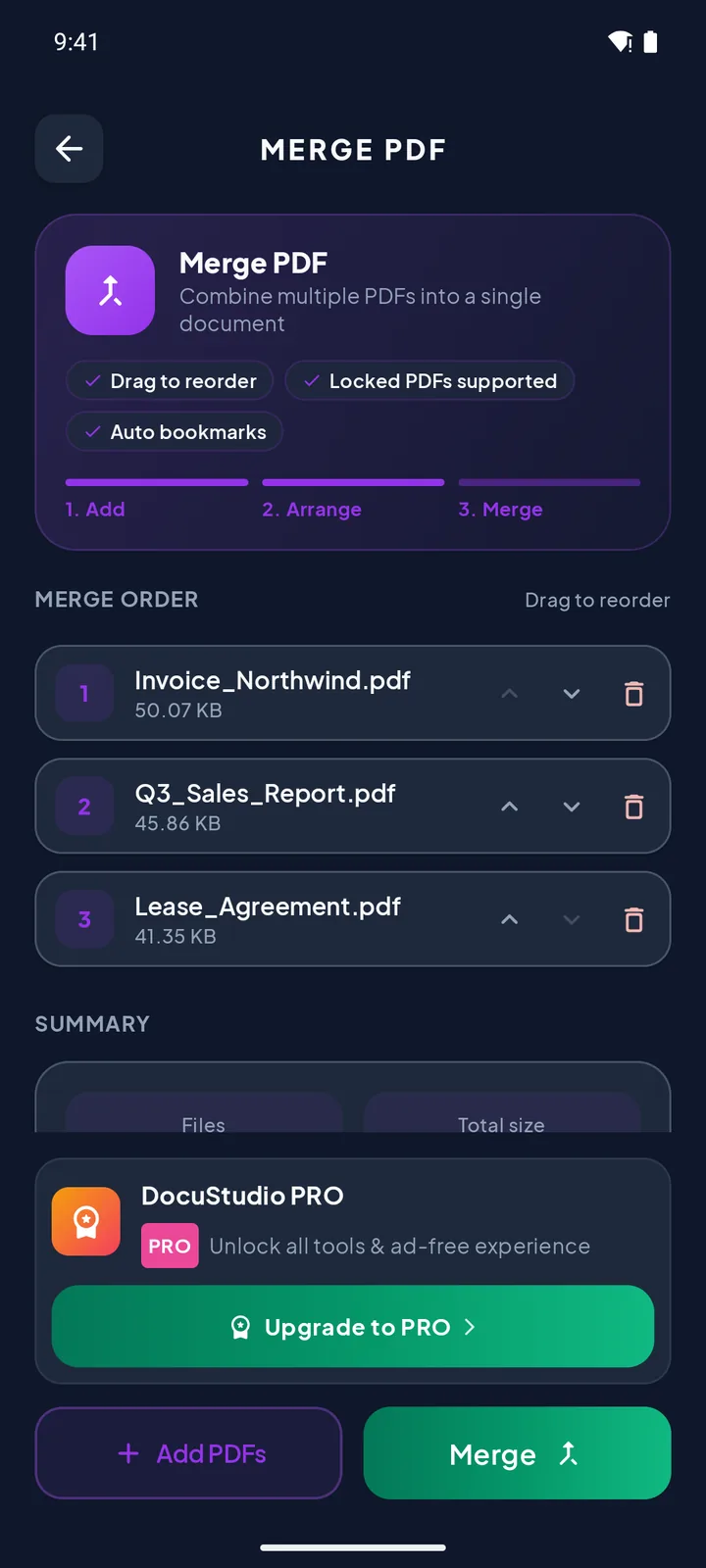
- MergeCombine several PDFs into one, in the order you choose
- SplitSplit into single pages or every N pages, as a ZIP
- OrganizeReorder, rotate, duplicate, delete and add blank pages
- Extract PagesSave chosen pages, odd or even pages as a new PDF
- Delete PagesPick unwanted pages visually or by range
- RotateRotate single pages or the whole document, losslessly
- Insert PDFInsert the pages of another PDF at any position
Edit 9 tools
- SignDraw or import your signature and drag it into place
- Fill FormFill text fields, checkboxes and lists, then lock them
- PROWatermarkStamp text or a logo with opacity and angle
- Page NumbersNine positions, custom start and Bates numbering
- Header & FooterText on every page with page, date and file tokens
- CropTrim margins by dragging a crop box
- BookmarksBuild or edit the table of contents
- AttachmentsEmbed files in a PDF or pull them back out
- Remove MarkupStrip links, comments, highlights and form fields
Convert 7 tools
- Images to PDFTurn photos and JPG/PNG files into one PDF
- PDF to ImagesExport pages as JPG or PNG at up to 300 DPI
- Extract ImagesSave every picture embedded in a PDF
- Extract TextCopy, share or save all the text in a PDF
- PROOCRMake scanned PDFs searchable and copyable (Latin scripts)
- Pages per SheetPrint 2 to 16 pages on one sheet
- ResizeFit every page to A4, Letter, Legal and more
Optimize 4 tools
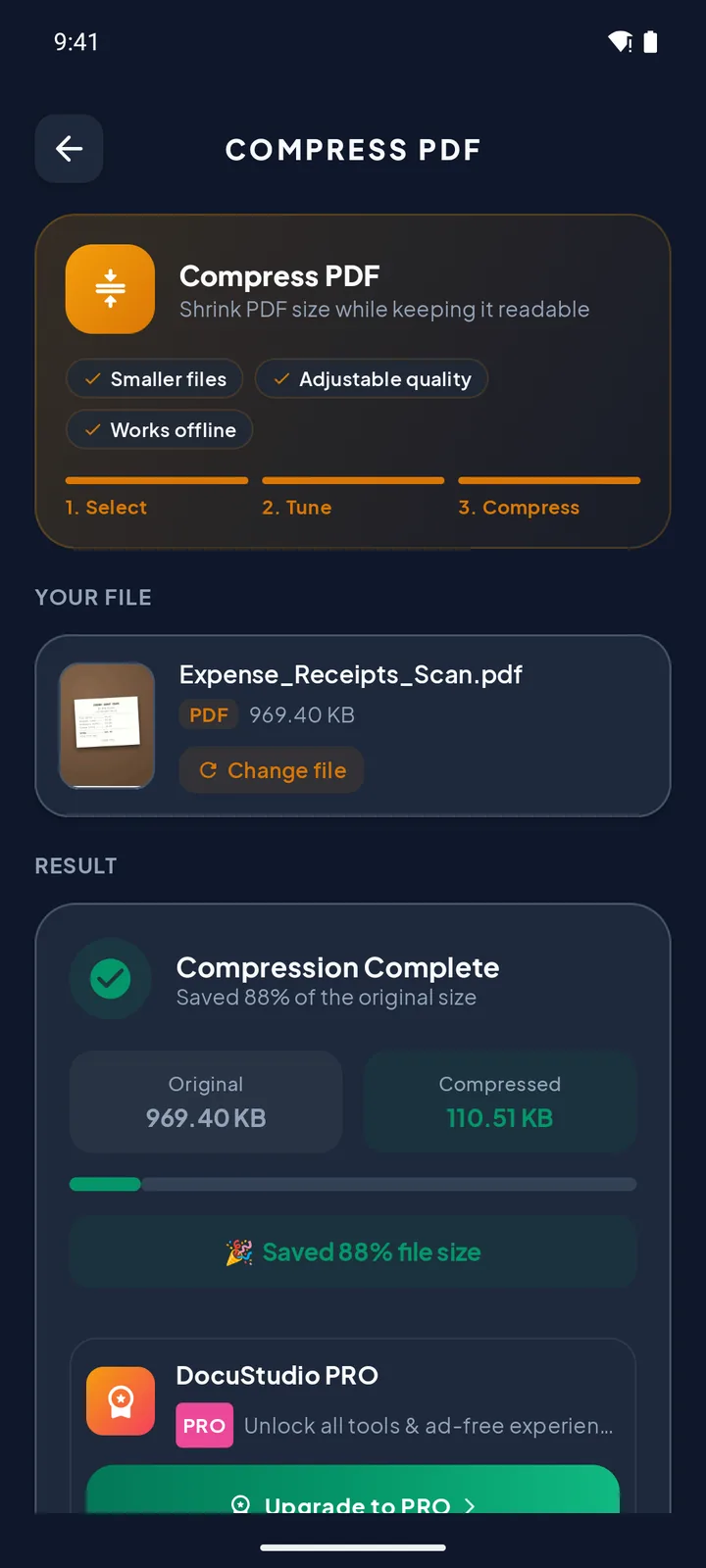
- CompressShrink PDFs for email and upload forms, with quality control
- PRORepairRebuild damaged PDFs and recover their pages
- PROFlattenBake forms and annotations into the page
- GrayscaleBlack and white for cheaper printing
Security 7 tools
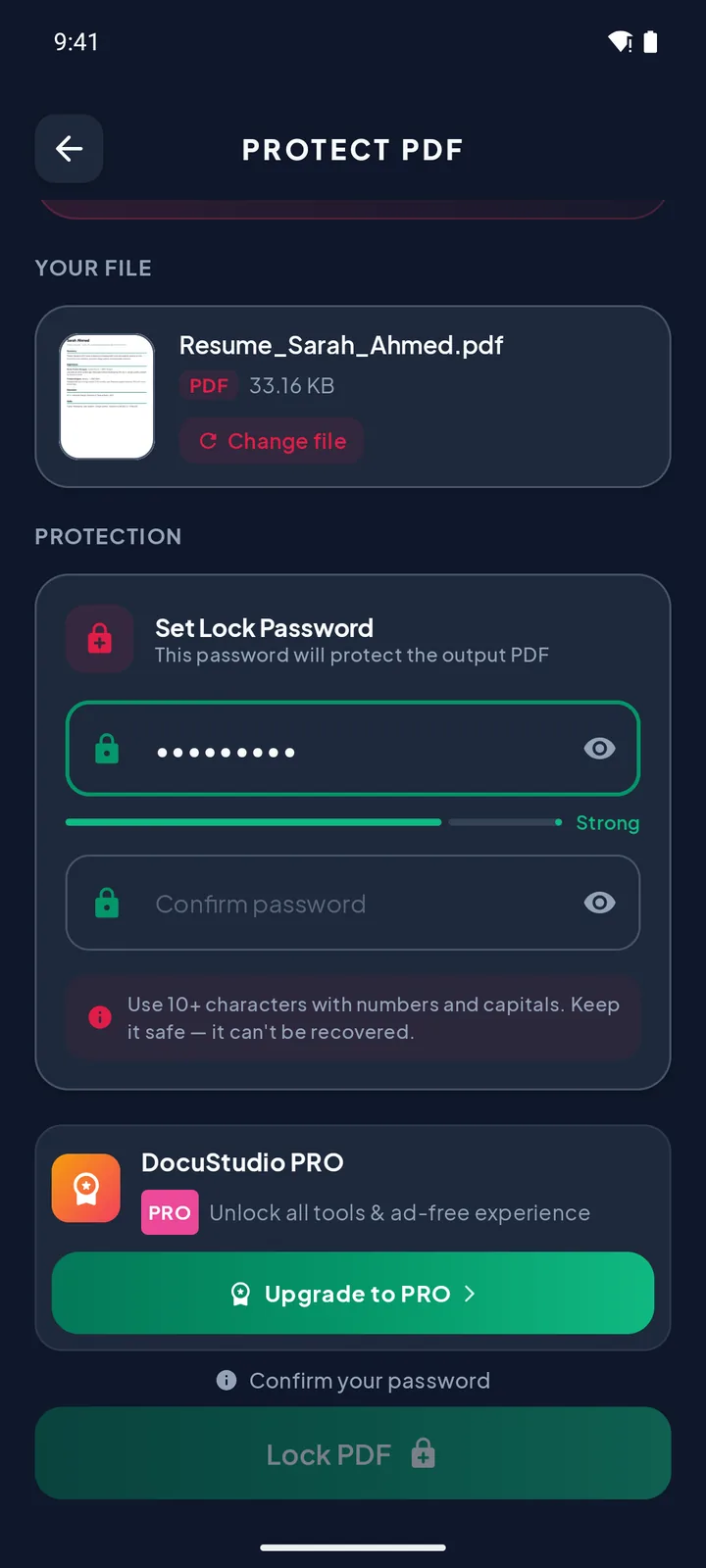
- ProtectLock with an AES-256 password and limit printing or copying
- UnlockRemove a password you know
- Change PasswordReplace the password of a protected PDF
- PRORedactRemove sensitive words for real, not just cover them
- PRORemove Hidden DataStrip metadata, scripts and embedded files
- PROMetadataEdit title, author, subject and keywords
- PDF InfoPages, fonts, images and security at a glance
PRO Pro tool. Free users can unlock it for one file by watching a short ad.
Three steps, no learning curve.
Scan or pick a file
Scan paper with the camera, or open a PDF or photo from your phone, email or chat apps.
Choose a tool and adjust
Each tool walks you through its options, with page previews where they help.
Save or share
Save the result wherever you like or share it straight away. It's also kept in History.
Clean, simple and built for one hand.
Real screens from DocuStudio, in light and dark mode.
Free for everyday work. Pro when you need more.
Free
With ads
- Unlimited document scanning
- 27 tools, including merge, compress, sign and lock
- Merge up to 3 PDFs and turn up to 10 photos into a PDF at a time (watch a short ad to add more)
- PDF reader with search
- Pro tools one file at a time, after a short ad
Pro
Weekly or monthly with a free trial, or a one-time lifetime purchase
- Everything in Free
- All 7 Pro tools anytime: OCR, Redact, Remove Hidden Data, Repair, Flatten, Watermark, Metadata
- Unlimited files in Merge and Images to PDF
- No ads, anywhere in the app
- Restore on a new phone with the same Google account
Prices are shown in the app and by Google Play before you pay. Subscriptions renew automatically until you cancel them in Google Play › Payments & subscriptions.
Questions, answered.
Are my documents uploaded anywhere?
No. Every tool processes your file on your phone, and we don't run any server that receives documents. A file only leaves your phone when you tap Share or Save and pick where it goes.
Does it really work without internet?
Yes, all 34 tools work offline. Two things need a connection: Google Play services may download the scanner and text-recognition components the first time you use them, and in the free version, unlocking a Pro tool means watching an ad, which needs internet.
Does the app collect any data at all?
Some, and we're upfront about it. The free version shows Google ads, which use your Advertising ID and device information. The app also sends crash reports and feature-usage stats (like "Compress was used") to Google Firebase. None of this includes your documents, file names or their text. The privacy policy lists everything.
What permissions does it need?
No camera, storage, location or contacts permissions. The scanner's camera screen is provided by Google Play services, and files are opened through the Android file picker one at a time. The app declares internet access (ads, crash reports, purchases), Google Play billing, the Advertising ID and vibration for haptic feedback.
Where are my files saved?
Results are kept in the app's private storage and listed in History. Tap Save to put a copy in Downloads or any folder you choose, or Share to send it. You can delete items from History, and turn on Auto-Delete in Settings to clear entries older than 7, 30 or 90 days.
Can it unlock a PDF if I forgot the password?
No. Unlock removes a password you know. DocuStudio doesn't crack passwords, and nobody, including us, can recover a forgotten one.
Which languages does OCR support?
Languages written in the Latin alphabet, such as English, Spanish, French, German, Italian and Portuguese. Recognition runs on your device.
How do I cancel a subscription?
Open the Google Play Store app, tap your profile picture, then Payments & subscriptions › Subscriptions, and choose DocuStudio. You keep Pro until the end of the period you've paid for.
Keep your documents yours.
Free on Google Play for Android 7.0 and later.